
The easiest way to stay consistent with food and activity tracking.
OVASAI helps you stay aware of what you eat, helps plan for training days and understand how certain foods make you feel - without a load of admin.
Save favourites
Track by speaking
Build useful insights
Track activity

PWA ready
Install to home screen
Today
3 meals · feeling good
 OVASAI
AI estimate
Chicken salad
620 kcal
38g
Protein
54g
Carbs
of which sugars 6g
21g
Fat
sat 4g · unsat 17g
How did you feel?
Connect food with how you feel.
Mobile first
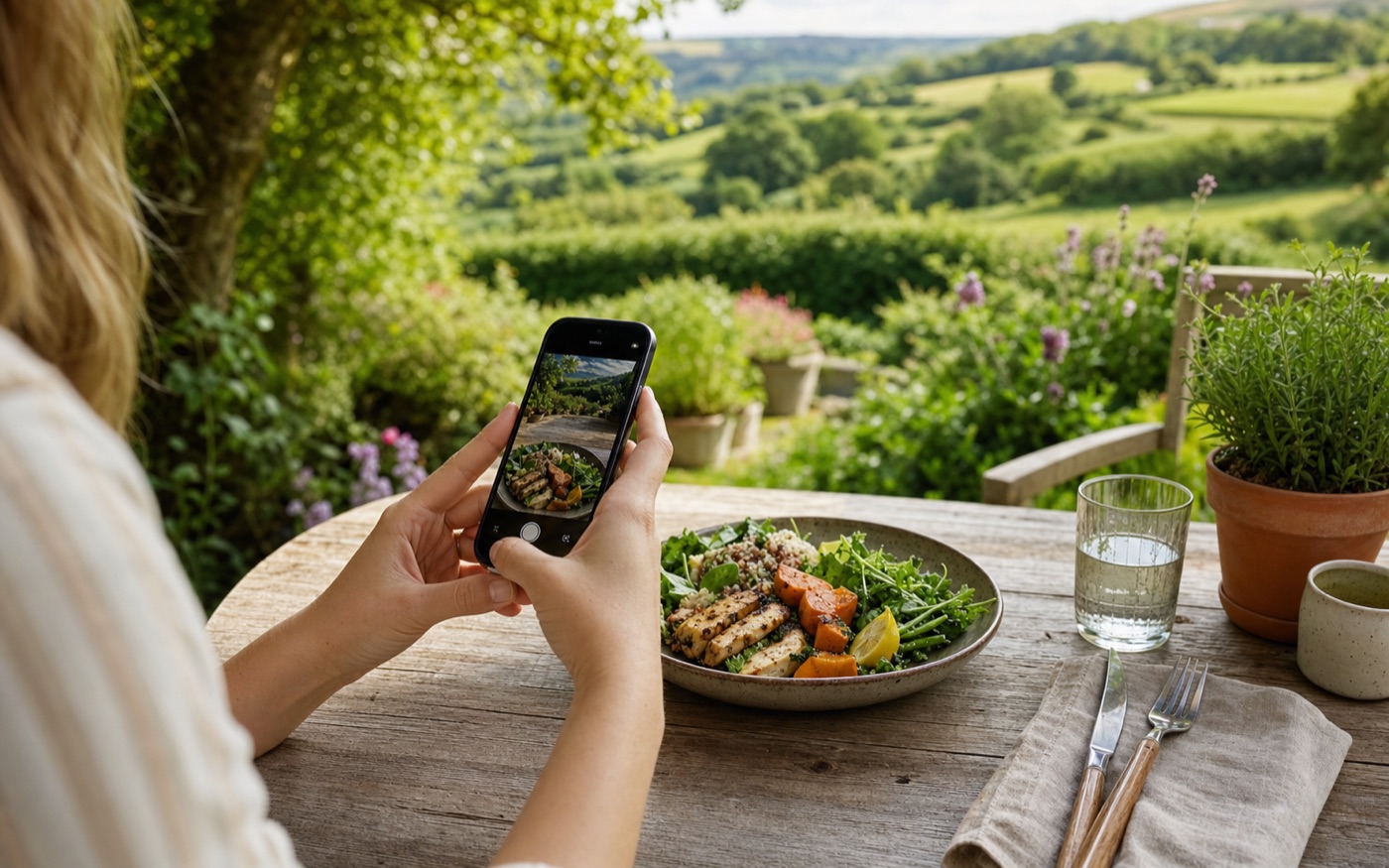
Use OVASAI on your phone.
Desktop is useful for account and review. Daily tracking works best from your phone: photos, voice logging, quick add, feelings, and diary updates.
Open
ovasai.com
It's super easy.
Analysis Results
Chicken bowl
Estimated
Estimated Nutritional Overview
AI analysis
Calories
620
Protein
38g
Carbs
54g
of which sugars 6g
Fat
21g
sat 4g · unsat 17g
Detected Food Items
Chicken bowl
Meal
94% confident
1 x medium bowl
620
Calories
38g
Protein
54g
Carbs
of which sugars 6g
21g
Fat
sat 4g · unsat 17g
Save to Food Diary
Feeling trend
Save meals, note how you felt after eating, and build a clearer picture of what suits you.
Why it works
Fast by default
Turn a meal photo into a useful nutrition estimate in a few seconds.
Consistency without admin
Save analysed meals so food tracking is easier to keep up.
Food fit insight
OVASAI compares meals, feelings, and light exercise logs so useful patterns are easier to spot.
Built For Real Use
Effortless nutrition awareness, built around consistency.
OVASAI is a nutrition tracker and food diary built for people who want to stay aware, log consistently, and spot useful patterns without heavy food tracking. Use AI-powered food analysis, meal photos, quick notes, manual entries, favorites, feelings, and lightweight exercise logs when they help.
Effortless food tracking
Log enough to stay consistent, then review calories, macros, and diary trends when they are useful.
Awareness from photos or quick notes
Estimate meals from food photos or simple descriptions when you do not want to weigh every ingredient.
Child-safe calorie visibility
Calorie Lock can hide calorie numbers and protect that setting with a PIN, which helps when children use the app or when calorie exposure is not helpful.
Goal Buddies
Connect with friends in Ovasai, share compact progress signals, and send quick encouragement when consistency needs a nudge.
Manual entry when photos are not available
Add meals from a high-level description or item-by-item when you do not have a photo and still want a useful estimate.
Meal feeling insights
Rate how you felt after eating, then review foods linked to feeling great or feeling poor.
Lightweight exercise logger
Log activity in seconds so Ovasai can estimate exercise burn and compare food intake with daily activity context.
Install Ovasai
Add Ovasai to your home screen for quicker access.
Quick guide
Four simple steps.
Start with a meal photo, review the analysis, save what matters, and plan activity days when your needs change.
See useful features01
Capture a meal
Take a quick photo or add a short note when you want awareness without admin.
02
Understand the context
See useful nutrition context in a format that is easy to read and quick to act on.
03
Save, repeat, and revisit
Use your food diary to stay consistent, spot patterns, and make decisions with more context.
04
Plan active days
Schedule routines so training days can adjust your diary targets, then appear later as exercise references without double-counting.
Calorie Lock
Hide & lock calories to build healthy habits
Calorie Lock helps protect children from seeing calorie numbers, and supports people who want to focus on habits before calories.
To lock calories, open Set Your Goals, choose Simply Track Macros, turn off Show calories, then add a 4-digit lock.
FAQ
Common questions
Is OVASAI for effortless nutrition awareness?
Yes. OVASAI combines AI meal analysis with a nutrition tracker and food diary so you can stay aware and review patterns over time.
Can it help me stay consistent with food tracking?
Yes. Save analyzed meals to your AI food diary, reuse favorites, and track macros or calories over time when they help.
What is AI powered nutrition?
AI powered nutrition uses meal photos or descriptions to estimate food items, calories, macros, and diary entries more quickly.
Is it suitable for children?
OVASAI includes Calorie Lock so calorie numbers can be hidden and protected with a 4-digit PIN.
Can I log meals without a photo?
Yes. OVASAI supports manual meal descriptions and item-by-item entry when you want to log food without taking a picture.
Can it help me find foods that work for me?
Yes. OVASAI can track how you feel after meals and use that data to highlight foods linked to feeling great or feeling poor.
Can I log exercise as well as food?
Yes. The food diary includes a lightweight exercise logger for activities like walking, running, weights, cycling, yoga, sport, or custom activities such as gardening.
How does exercise help nutrition insights?
Exercise logs help Ovasai estimate daily energy context, so your nutrition view can compare food intake with baseline needs and logged activity.
Can OVASAI connect to advanced AI clients?
Yes. OVASAI supports advanced client integrations for people who want to use meal analysis and food diary workflows from compatible AI tools.
Why is OVASAI a web app instead of an app store app?
App stores take a share of app revenue, which can increase prices for users. OVASAI is built as a progressive web app so we can charge based on actual operating costs, rather than costs inflated by App Store or Play Store fees, while maintaining the same level of functionality when installed on your device.